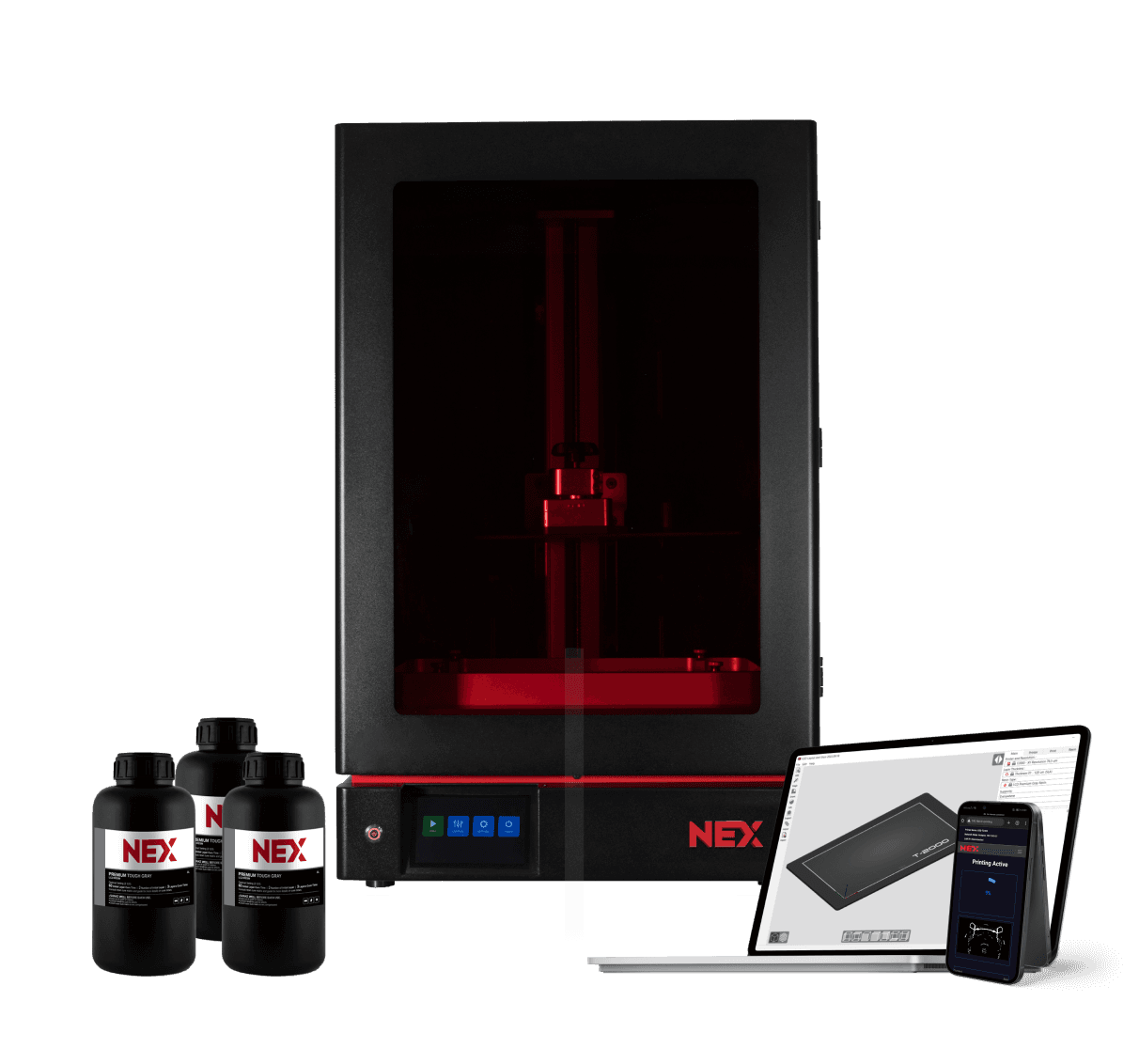
3D Printer Software, Slicer and Web Controls
A vertically integrated SLA 3D printer control stack — custom Atmega328P firmware for Z-axis motion, UV exposure, and vat temperature, a Raspberry Pi network bridge driving the UV LCD, a PyQt desktop app for tethered control, and a web app for wireless operation from users browser.
Overview
A custom SLA 3D printer control stack — Atmega328P firmware for Z-axis motion, UV exposure, and resin-vat temperature; a Raspberry Pi as the network bridge hosting a web app; and a PyQt desktop app for tethered control and sliced-layer upload over USB.
The Problem
Off-the-shelf SLA printers ship with locked firmware and proprietary control apps. For research, classroom, or experimental builds where you want to tweak exposure profiles, log per-layer telemetry, or run the printer from across the lab without a tethered laptop, the stock setup is a dead end. Hobbyist solutions like NanoDLP help but assume their own hardware mapping; rolling a resin printer from scratch means writing the whole control stack yourself.
What We Built
A vertically integrated control stack for a custom-built resin printer. The Atmega328P firmware drives the Z-axis stepper, switches the UV LED backlight, manages the resin-vat heater, and reads endstops, with an extensible command protocol for project-specific behavior. A Raspberry Pi acts as the bridge: it talks to the microcontroller over serial, pushes layer masks to the UV LCD, and hosts the web app for wireless operation. The PyQt desktop application gives a tethered workflow — issue commands directly, monitor live state, and upload sliced layer files over USB. The web app mirrors those controls so the printer can be operated from a phone or laptop on the same network.
Key features
- Custom Atmega328P firmware for Z-axis motion, UV exposure control, and vat temperature
- Raspberry Pi bridge that drives the UV LCD and hosts the network-facing web app
- Python + PyQt desktop application for direct USB control and live monitoring
- Sliced layer-file upload (.ctb / .pwmx style) from both desktop and web clients
- Browser-based wireless control accessible from any device on the network
- Real-time telemetry: resin-vat temperature, Z position, current layer, and exposure time
- Print job queue with start, pause, resume, and emergency stop
- Exposure calibration tools (per-layer exposure time, bottom-layer overrides, LCD pixel uniformity)
- Build-plate leveling utility and Z-home calibration
- Open hardware-software stack designed for research and educational resin-printer builds